Agent Catalog
The RunAgents Agent Catalog is the fastest way to move from platform setup to a real production workflow.
Catalog agents are maintained blueprints that package together:
- agent code
- expected tools
- model defaults
- deployment structure
- a recommended operational pattern
Use the catalog when you want to start from a known-good template instead of building every agent from scratch.
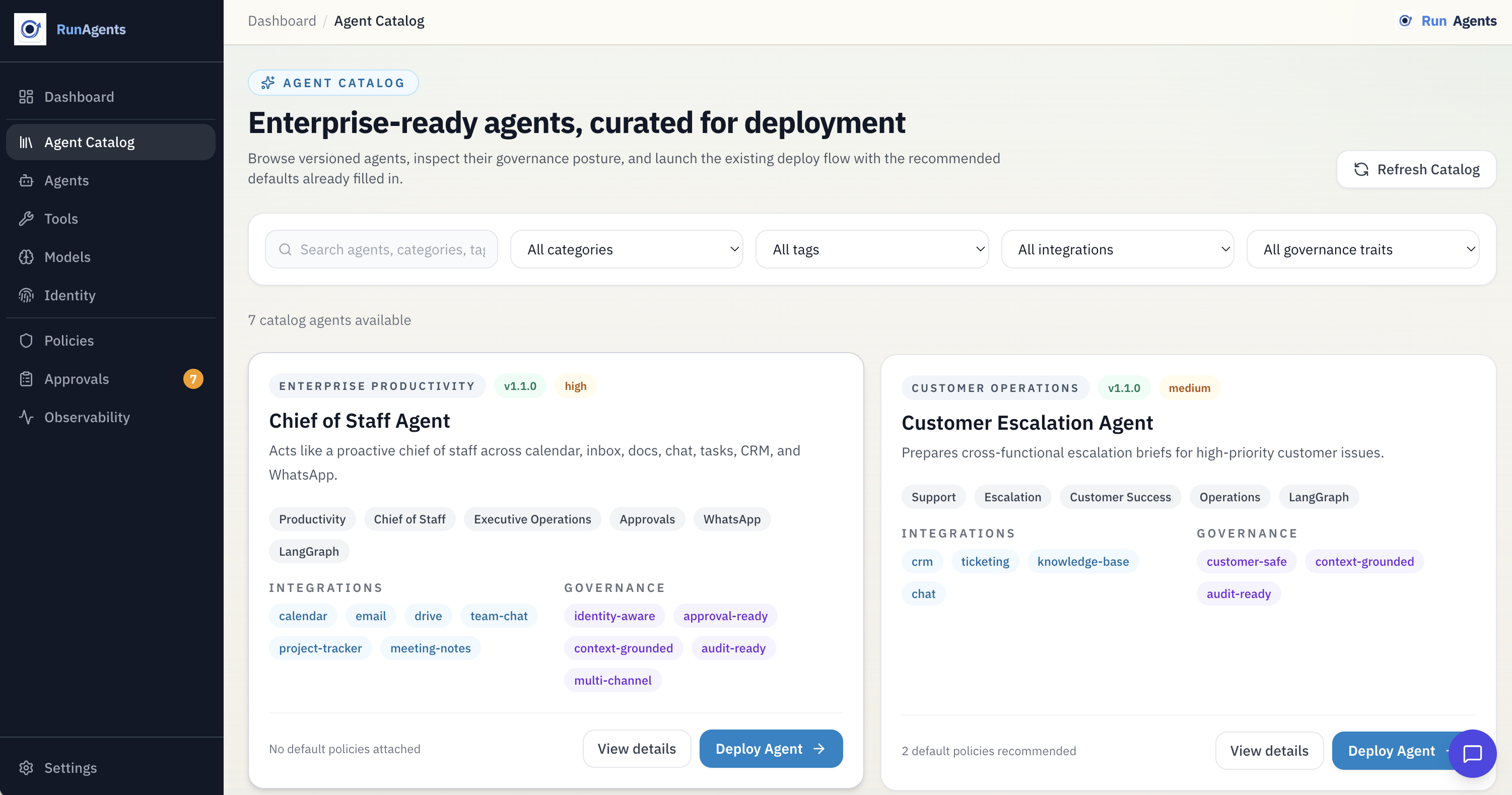
Why the catalog matters
Hello World is still the best path for learning the platform quickly.
The catalog is the better path when you want to:
- deploy a real workflow sooner
- reuse a supported reference pattern
- onboard a team to a concrete agent example
- validate policy, approval, and OAuth behavior against a practical use case
What a catalog agent gives you
A catalog entry typically includes:
- source code ready to deploy
- a clear tool contract
- recommended model configuration
- environment or credential expectations
- deployment instructions
- operational notes for policy, approval, and consent
This makes catalog agents a strong bridge between a demo and a production deployment.
Recommended first catalog example: Google Workspace assistant
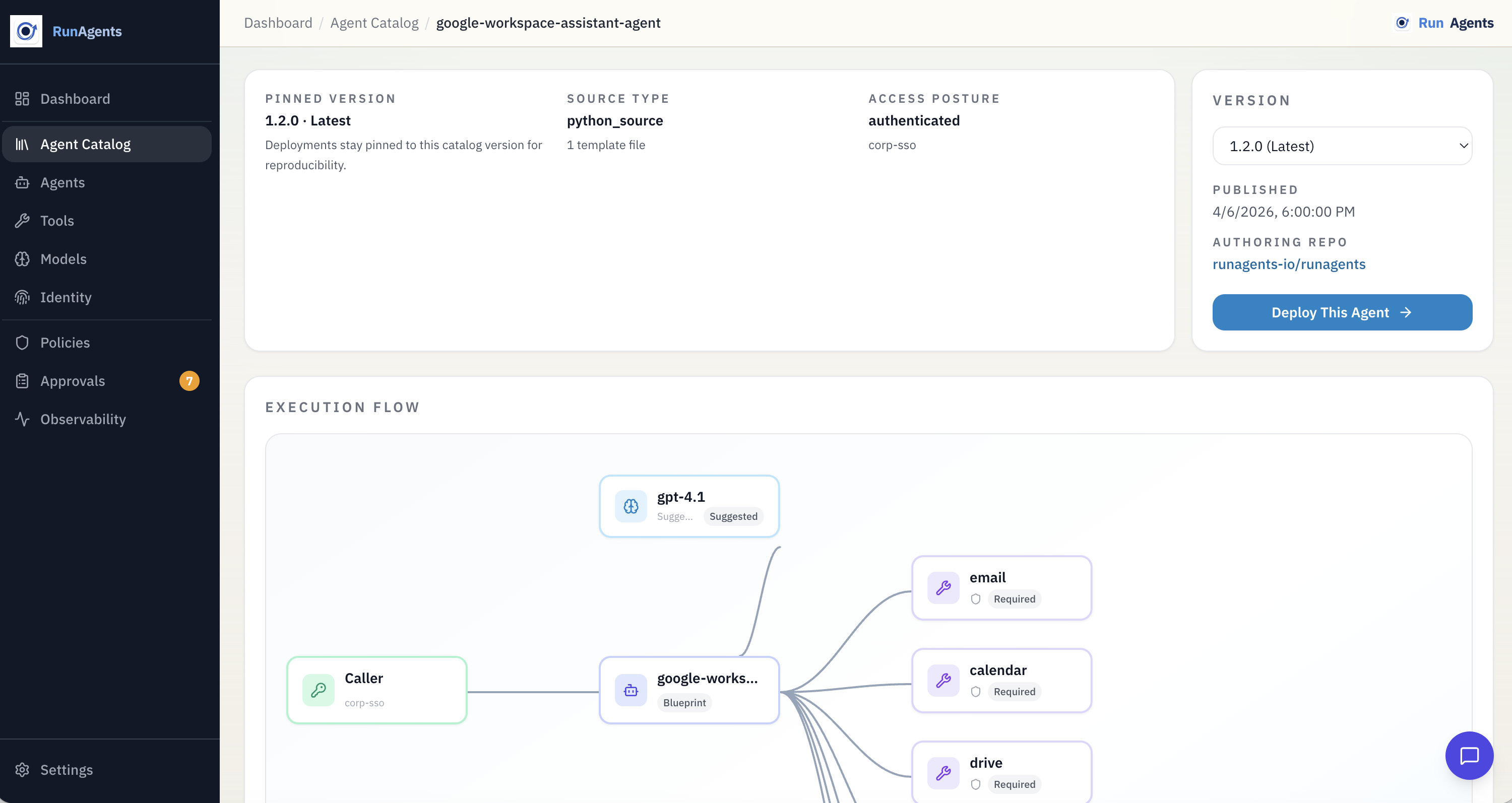
The Google Workspace assistant is a strong example of what the catalog is for.
It brings together:
- delegated-user OAuth
- policy-controlled external tool access
- governed writes such as calendar event creation
- operator approvals and user consent
- conversational usage across workspace surfaces
That makes it a much more realistic first production-style workflow than a simple echo demo.
When to use Hello World vs. the catalog
| Path | Best for |
|---|---|
| Hello World | learning the deploy flow in minutes with no external dependencies |
| Agent Catalog | standing up a practical workflow with real tools, policy, approval, and OAuth |
Both paths are valuable. They solve different onboarding goals.
Deploying from the catalog
The exact deploy command depends on the catalog agent, but the overall pattern is straightforward:
- choose the catalog agent that matches your workflow
- review the required tools and model defaults
- register or configure the required tools
- deploy the catalog agent
- validate policy, approval, and consent behavior end to end
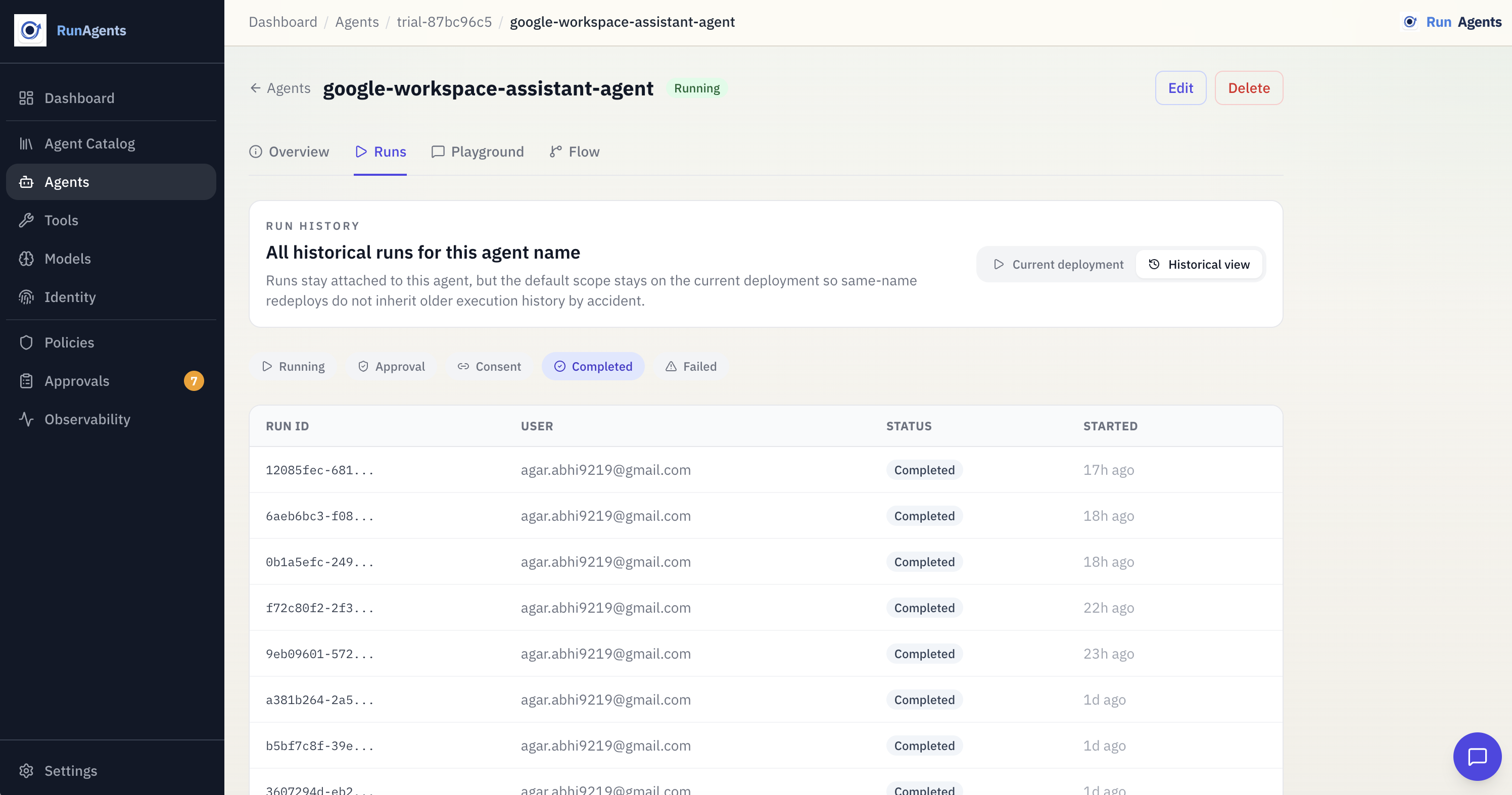
For example, the Google Workspace assistant can be deployed from the catalog and used as the starting point for a governed Google workflow.
From the CLI:
runagents catalog list --search google
runagents catalog show google-workspace-assistant-agent
runagents catalog deploy google-workspace-assistant-agent \
  --name google-workspace-assistant-agent \
  --tool email \
  --tool calendar \
  --tool drive \
  --tool docs \
  --tool sheets \
  --tool tasks \
  --tool keep \
  --policy workspace-write-approval \
  --identity-provider google-oidc
Recommended docs path
If you are new to RunAgents:
- start with Quickstart if you want the fastest possible first deploy
- continue to Deploying Agents for the full deployment model
- use the catalog when you want a production-shaped starting point such as the Google Workspace assistant